GB WhatsApp Not Receiving OTP? How to Fix Verification Problems
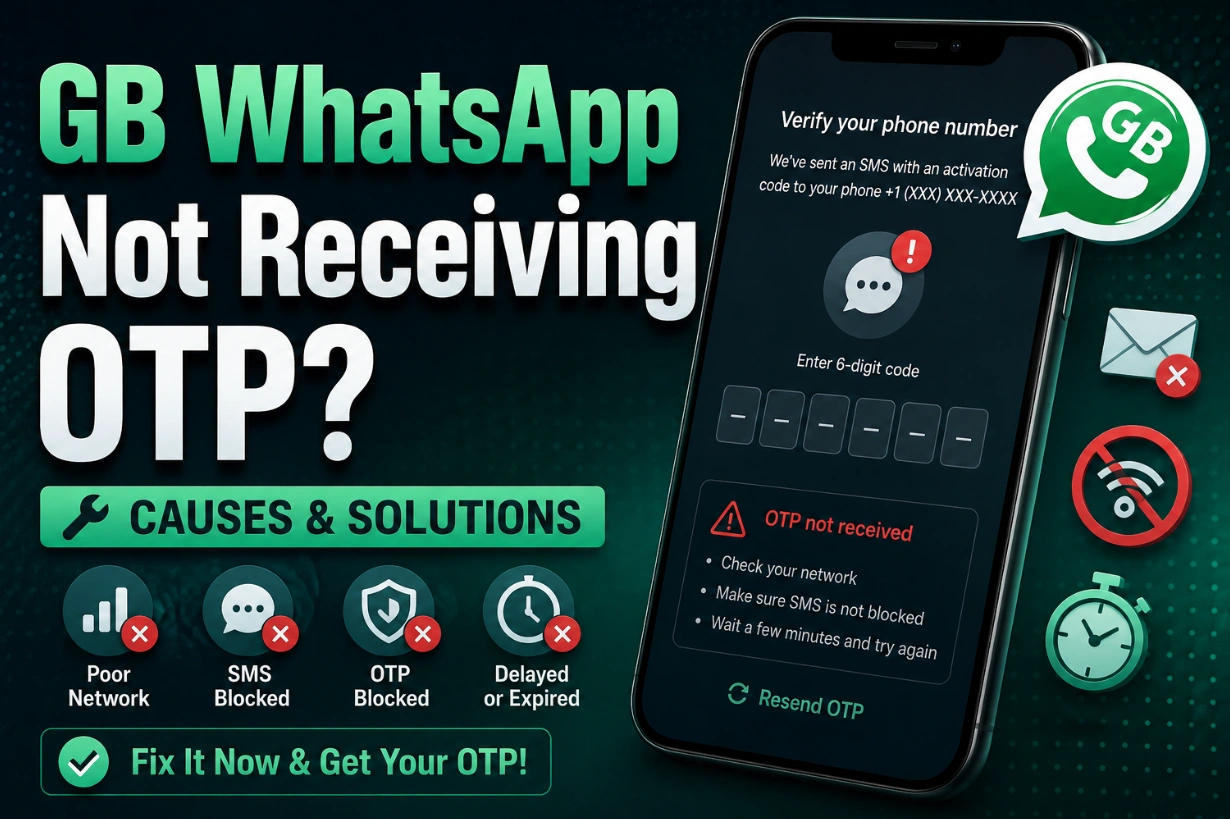
Phone number verification is required before using GB WhatsApp. However, many users experience problems where the OTP verification code does not arrive after entering their phone number.
Common symptoms include:
- OTP SMS never arrives
- Verification code keeps loading
- Too many attempts error
- Voice call verification does not work
- WhatsApp says "Try again later"
Most OTP problems are caused by network issues, incorrect phone numbers, SMS restrictions, or temporary verification limits.
Here are the best ways to fix GB WhatsApp OTP problems.
Check Your Phone Number Format
The most common mistake is entering an incorrect number format.
Make sure:
- Country code is correct
- Extra zeros are removed
- The SIM card is active
- The number can receive SMS
Example:
Instead of: +00 0123456789
Use: +Country Code + Phone Number
Check Your Internet Connection
GB WhatsApp requires an internet connection to communicate with WhatsApp servers.
Try:
- Switch WiFi to mobile data
- Restart your router
- Disable VPN
- Turn airplane mode on and off
A weak connection can delay verification.
Make Sure Your SIM Card Can Receive SMS
OTP messages may fail if:
- SIM card has no signal
- SMS service is disabled
- Carrier blocks verification messages
- Roaming restrictions exist
Test your SIM by receiving a normal SMS.
Wait Before Requesting Another OTP
Requesting codes repeatedly can trigger temporary limits.
If you request too many times:
- OTP may be delayed
- Verification may be blocked temporarily
Wait for the countdown timer to finish before trying again.
Try Voice Call Verification
If SMS verification does not work, use the call option.
WhatsApp may provide an automated phone call that reads your verification code.
This can help when:
- SMS delivery is delayed
- Carrier blocks automated messages
Disable VPN or Proxy
VPN services can sometimes affect verification.
Problems may happen because:
- Location mismatch
- Suspicious network activity
- Server connection issues
Disable VPN and try verification again.
Update GB WhatsApp to the Latest Version
Older GB WhatsApp versions may have verification problems because of:
- WhatsApp server changes
- Expired builds
- Compatibility issues
Updating to the newest version may fix OTP errors.
Clear GB WhatsApp Data and Retry
If the app gets stuck during verification:
- Open Android Settings
- Go to Apps
- Select GB WhatsApp
- Clear cache
- Restart the app
Try verification again.
Check WhatsApp Server Status
Sometimes the problem is not your phone.
Temporary server issues can affect:
- OTP delivery
- Account verification
- Login process
Wait and try again later if servers are experiencing problems.
Avoid Multiple Verification Attempts
Repeated attempts may temporarily delay verification.
Best practice:
- Request OTP once
- Wait patiently
- Avoid changing numbers repeatedly
FAQ About GB WhatsApp OTP Problems
Why is GB WhatsApp OTP not arriving?
Usually because of network issues, incorrect phone number format, SMS restrictions, or too many verification attempts.
How long does GB WhatsApp OTP take?
Usually the verification code arrives within a few minutes, but delays can happen depending on your carrier and network.
Can I verify GB WhatsApp without SMS?
Yes. If available, you can use voice call verification instead.
Why does GB WhatsApp verification keep failing?
Possible causes include outdated versions, temporary limits, network problems, or incorrect account details.